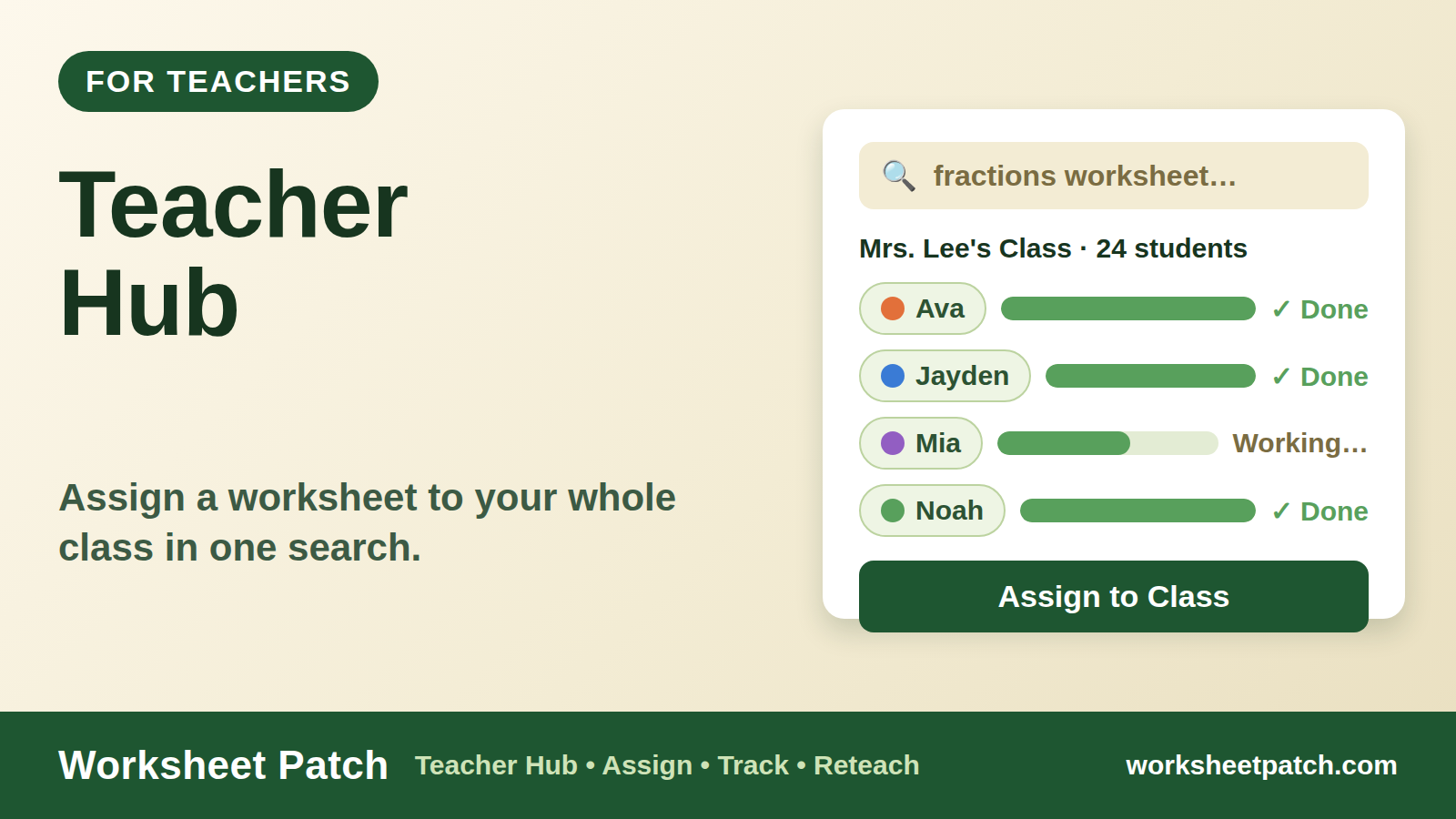
Your whole class, assigned in one search.
This is Worksheet Patch's Teacher Hub — your classroom command center. Build your class once, type a worksheet's name, and every student has it. Then see who's done and what to reteach. No logins or passwords for your kids, ever.
Sign in with GoogleTeachers sign in with Google — that's the whole login. One pass belongs to one teacher: it's tied to your account, so it can't be shared or passed around.
Try the Hub in practice mode — a sample class you can click through without signing in. Nothing is saved.
Sign in with Google
Use the Google button above. That's the whole login — nothing new to remember, and nothing to hand out to your class.
Add your class
Type names in — or import your class list from PowerSchool or any school program and the Hub builds the roster for you. We keep names only; everything else in the file is thrown away. Kids open their work with their name and color — no passwords, no accounts for them.
Assign in one search
Search any worksheet in the catalog, tap assign — boom, all the kids have it. Then the Hub tracks who's finished and what's getting missed.
Assign in one search
Type a name, tap assign — the whole class has it.
Who's done
See at a glance who finished, who's working, who hasn't started.
Know what to reteach
Reports show the questions your class keeps missing.
One pass, one teacher.
One-time payment — it never auto-renews.
Every pass includes
- The full Teacher Hub — classes, roster, assignments, and reports
- Class-list import — bring your roster in from PowerSchool or any school program in one step
- Assign any worksheet in the catalog to your class while your pass is active
- Patch Rally live quizzes for your classroom
- Your records stay readable forever — if a pass lapses, nothing you've built is ever locked away; new assigning just waits until you renew
Families and kids sign in a different way — from the Game Patch page. This door is for teachers.
Worksheet Patch — Made by a K–12 school technology veteran with 20+ years in classrooms. Kids never see prices, and students never need a login.
Plan your ELA year — free.
What to teach, in what order, week by week: a free planning guide with the ELA skill map for grades 2–5, the early-literacy road for kindergarten and grade 1, and blank planning pages to write your own year into. Built from the mainstream pacing pattern across eleven states — and labeled honestly where programs differ.
Teacher Hub
Your classes, who's done, and what to assign next.
Who's done?
Roster
Tap a student to see what they're working on. Students join only when their family approves the link.
Make a class
New assignment
Pick a skill, see exactly what's included, then assign. It lands on each student's My Work page.
1 · Who gets it
2 · What to practice
3 · This assignment includes
4 · Details
This will appear on each student's My Work page.
Assignments
Games count as finished when every level is passed. Worksheets and practice aren't tracked online — those are people's marks.